Using fonts
Using your font in GoodNotes
How to use a font you registered in the GoodNotes app.
This guide is not affiliated with GoodNotes and was made independently.
Step by step
1
Select the text tool
Find the text tool in the toolbar and select it.

2
Open the font options
With the text tool selected, tap the font option.

3
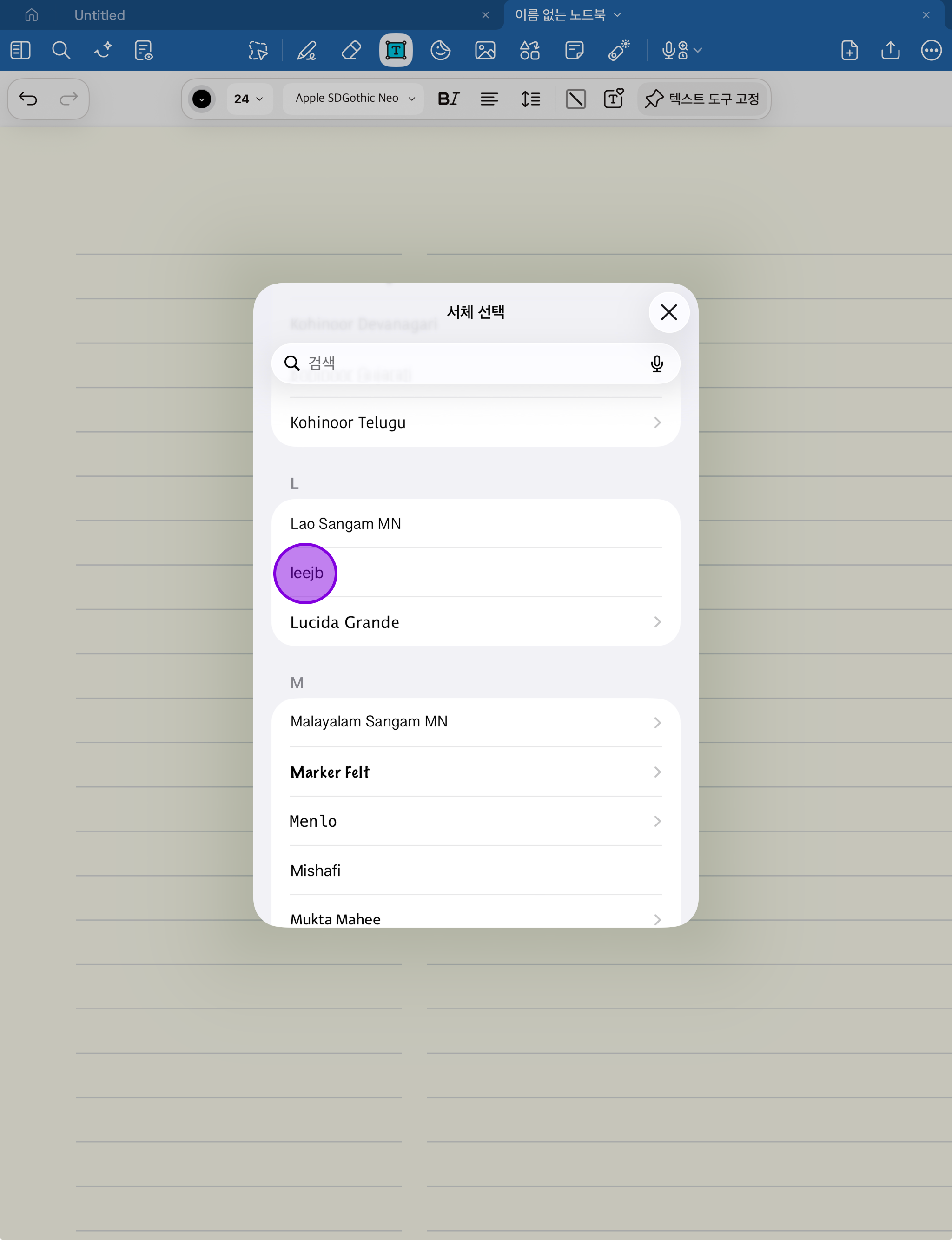
Choose your font
Find the font you want in the font list and select it!