Sharing fonts
I want to share my font.
Fonts you make in Penfor can be shared with other people through the Penfor Pocket app.
Fonts can currently be used only on iOS devices (iPad and iPhone).
Android devices are not supported yet.
Step by step
1
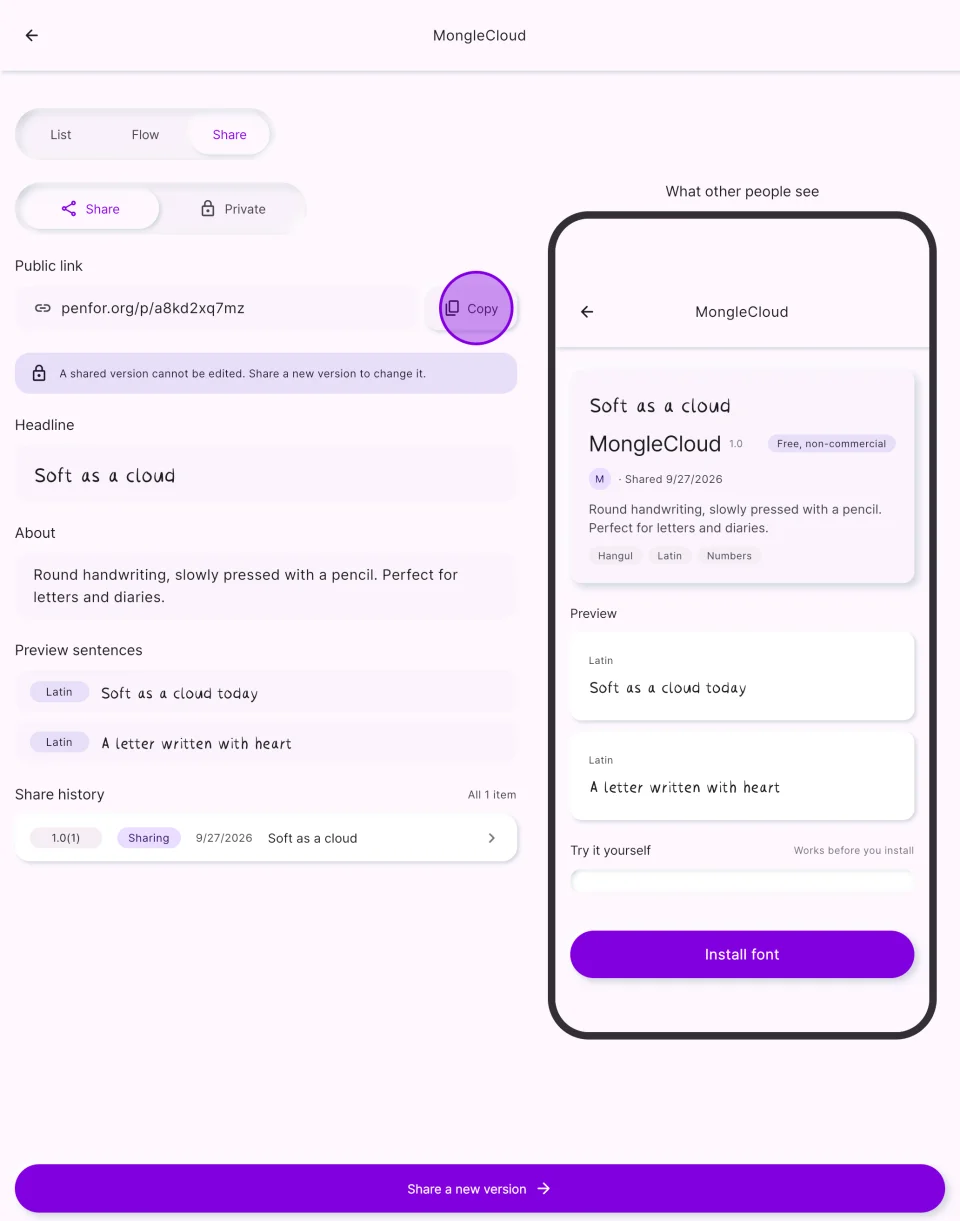
Copy the share link
Open your project in Penfor, choose “Share” in the “Share” tab, then tap “Copy” next to the public link and send it!
2
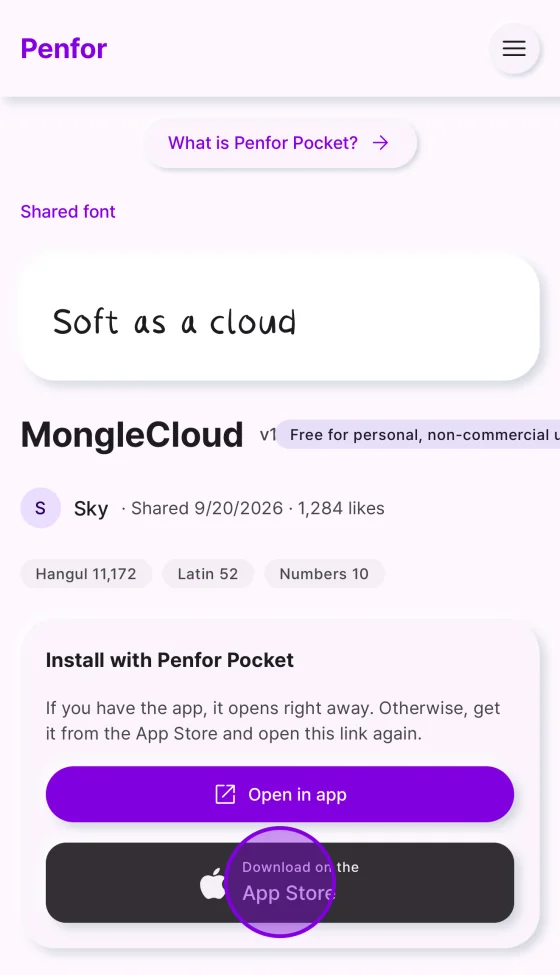
Install the app
On the linked web page, tap the App Store button to install the Penfor Pocket app.
3
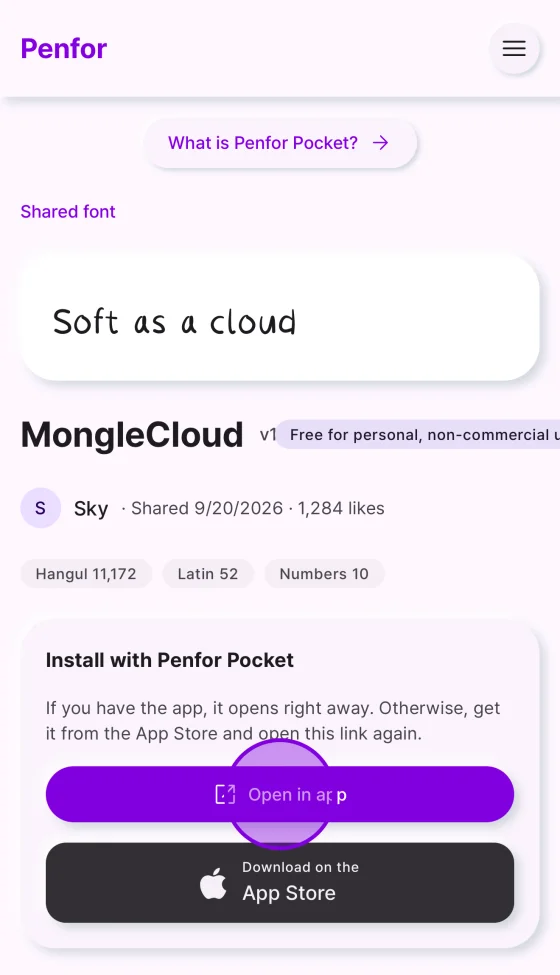
Open the app
Tap “Open in app” on the web page to switch to the app.
4
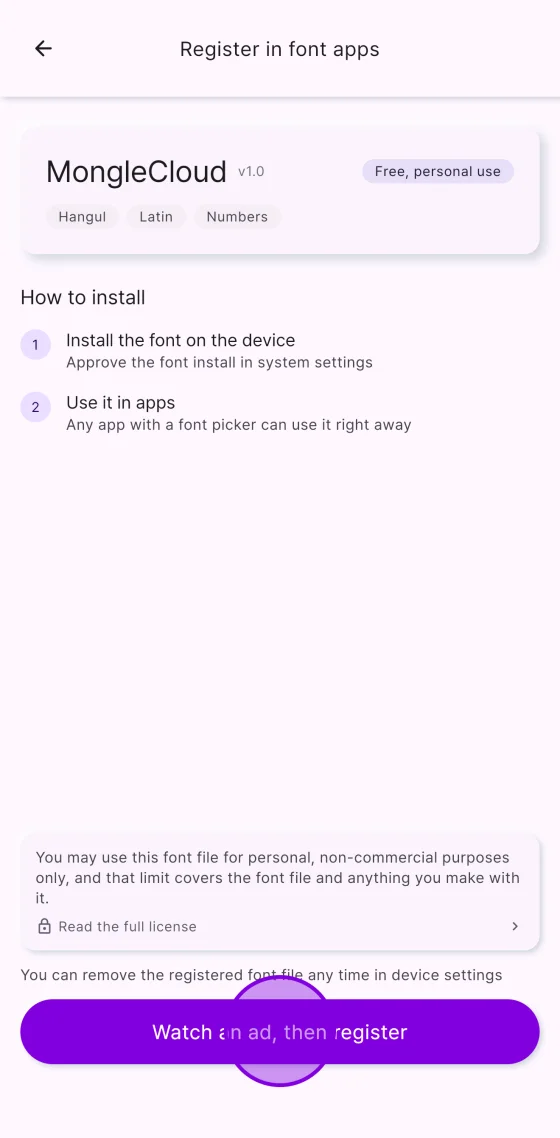
Register the font
Tap “Watch an ad, then register” and follow the steps that appear. Once it is installed, the font is registered.